
Your imagination, in focus

Seedream 5.0 AI image generator

Create with Seedream 5.0 Lite. Shape a scene, explore a visual direction, and bring the details into focus.

Create with Seedream 5.0

Seedream 5.0 Lite / 2K
355/4000
Aspect ratio
Seedream 5.0 LiteLoading price…

Seedream generations use account credits. The cost is shown before you generate.

Creative reference

My images
Cinematic landscape

AI-created inspiration, not a Seedream 5.0 test result. Your generated image will appear here.

Seedream 5.0 prompt ideas

Think in scenes, not just subjects. Explore four cinematic directions, then make a prompt your own.

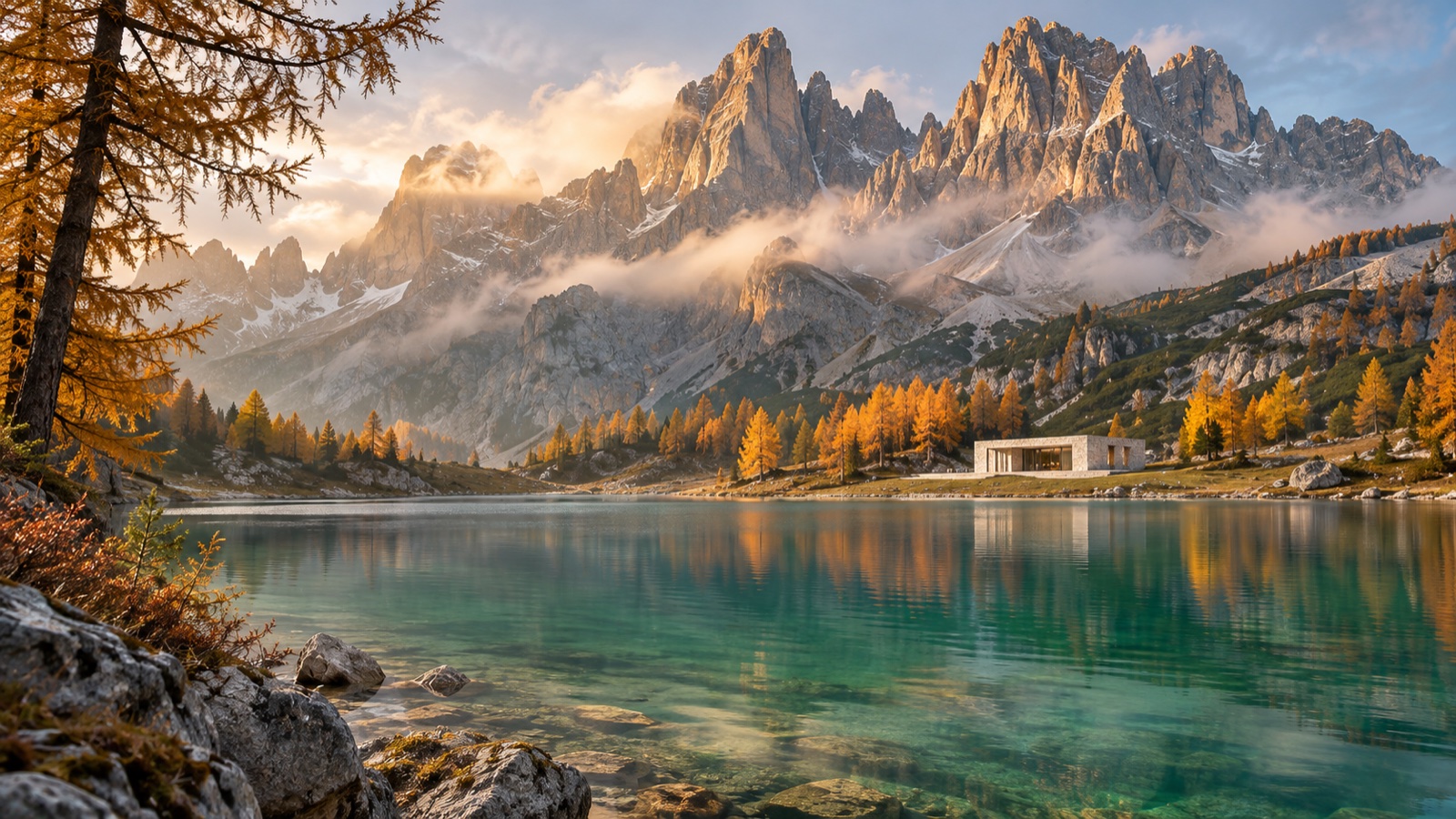
Cinematic landscape

Cinematic landscape

Light, atmosphere, and a monumental sense of scale.

View prompt

A cinematic wide photograph of monumental alpine peaks reflected in an emerald lake. Autumn larch trees along the shore, low clouds catching the first warm sunlight, and a tiny pale stone pavilion at the foot of the mountains. Rich spatial depth, restrained teal and gold colors, realistic water and rock textures. Wide 16:9 composition, no text or logos.
Architectural vision

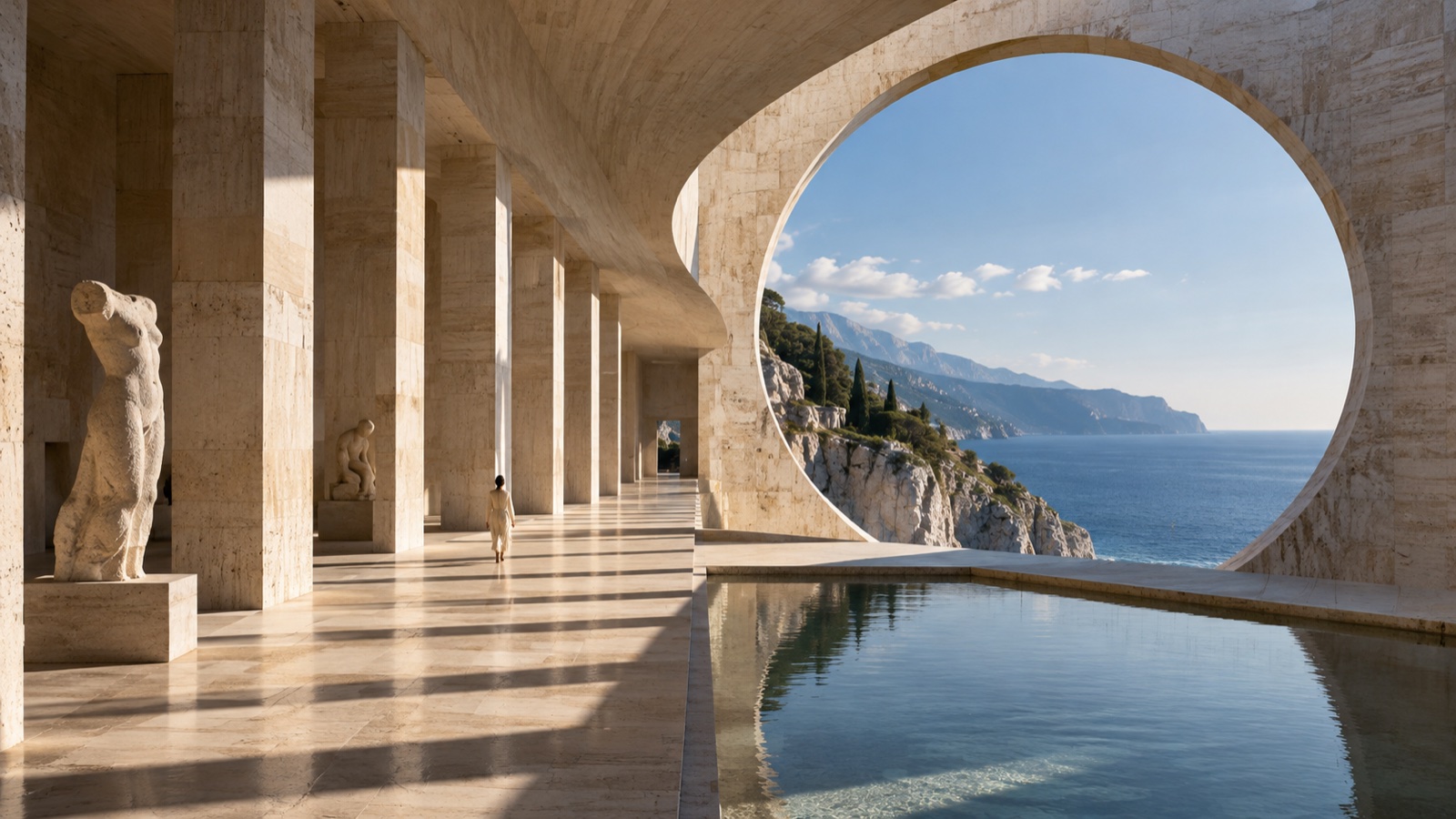
Architectural vision

A quiet conversation between architecture and the sea.

View prompt

A monumental travertine art museum above a Mediterranean sea cliff. A sweeping circular opening frames the ocean horizon, a long colonnade casts dramatic afternoon shadows, and a still reflecting pool mirrors the architecture. One small visitor establishes scale. Medium-format architectural photography, natural stone textures, wide 16:9 composition, no text or logos.

Product campaign

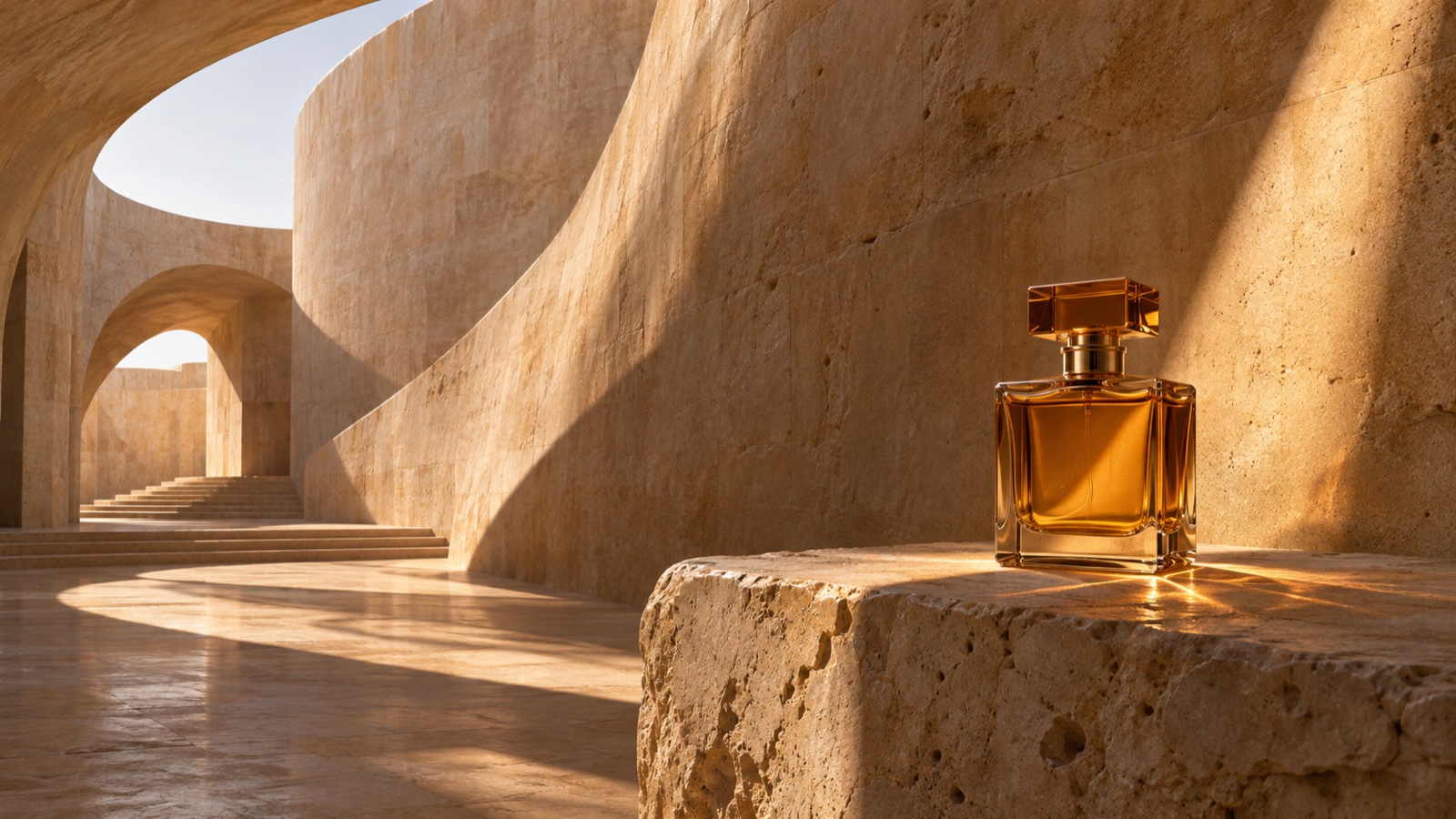
Product campaign

A small object. An expansive world around it.

View prompt

An amber glass perfume bottle with a sculptural square cap on a rough limestone plinth, inside a vast sandstone courtyard. Curved walls and long shadows create architectural depth. A narrow shaft of sunlight illuminates the glass with believable refraction and honey-gold reflections. Luxury product campaign photography, warm stone tones, wide 16:9 composition, no labels, text or logos.

Cinematic fashion

Cinematic fashion

Movement, sculpted light, and a place to dream.

View prompt

An adult fashion model in a flowing ivory silk dress on the crest of vast rust-colored desert dunes. Wind forms a graceful sculptural curve in the fabric. A full-body figure within an expansive landscape, dune ridges fading into the distance, warm evening light, natural skin texture and subtle film grain. Prestige editorial fashion photograph, wide 16:9 composition, no text or logos.

These AI-created references illustrate the creative direction of each prompt; they are not Seedream 5.0 benchmarks.

What is Seedream 5.0?

Seedream 5.0 is ByteDance’s image creation model family. It brings visual understanding, reasoning, and image generation into the creative process, so a prompt can describe relationships and intent as well as appearance. This page gives you a focused way to use Seedream 5.0 Lite for text-to-image generation.

Think of the model as a tool for exploring a visual brief. A product shot can specify the surface, light direction, and camera angle. An editorial image can reserve space for a headline. An educational visual can describe the relationship between objects. Clear instructions give you a better basis for evaluating and improving the result.

Read ByteDance’s Seedream 5.0 Lite introduction

Describe relationships, not just objects

Instead of listing “bottle, stone, light,” explain where the bottle stands, which direction the light comes from, and how the glass should respond. Seedream 5.0 Lite is designed to reason about visual instructions. You can help it by making placement, scale, and cause-and-effect explicit. Inspect reflections, shadows, anatomy, and structural details before using an image.

Give every word a place

For text in an image, put the exact wording in quotation marks and state its position and hierarchy. Start with a short headline rather than a page of small print. Check spelling, punctuation, and letter shapes at full size. For production layouts with legal text or changing prices, keep essential typography editable in your design tool.

Seedream 5.0 Lite vs Pro

The version matters. This workspace runs Lite; Pro’s advanced editing features are a separate model capability.

Seedream 5.0 Lite vs Pro
Creative taskSeedream 5.0 LiteSeedream 5.0 Pro
Main focusVisual reasoning and prompt understandingDesign composition and precise editing
Useful creative briefsConcepts, product imagery, explanatory visualsDense layouts, local edits, multilingual designs
On this pageText-to-image, 2K, five aspect ratiosNot available in this workspace

Reference-image editing and web search are model capabilities, but are not enabled in this text-to-image workspace. Compare versions using your own brief rather than assuming one is best for every image.

Read the Seedream 5.0 Pro announcement

How to get better Seedream 5.0 images

Write a small creative brief, then change one thing at a time.

  1. Start with the subject and purpose

    Name the subject, what it is doing, and where the image will be used. “A green glass perfume bottle for a product detail page” gives you a clearer target than “a beautiful perfume.” Decide what the viewer should notice first.

  2. Choose a frame before adding details

    Use 1:1 for a square product tile, 4:3 for an editorial image, or 9:16 for a vertical story. State the camera angle, subject placement, and any space needed for copy. Choose the ratio in the generator as well as describing the composition.

  3. Be specific about light and material

    “Soft window light from the left” is more actionable than “stunning lighting.” Describe surfaces with words such as frosted glass, brushed metal, or uncoated paper. Keep the style consistent instead of combining competing photographic and illustration instructions.

  4. Review, adjust, and generate again

    Review the full image, especially small text, hands, reflections, and edge details. Keep the working parts of the prompt and change one variable, such as the background or crop. Every new generation is a separate credit-based request; no output is guaranteed to match a reference exactly.

Seedream 5.0 questions, answered

Keep exploring

An independent workspace. Seedream is a ByteDance model; this site is not affiliated with ByteDance.